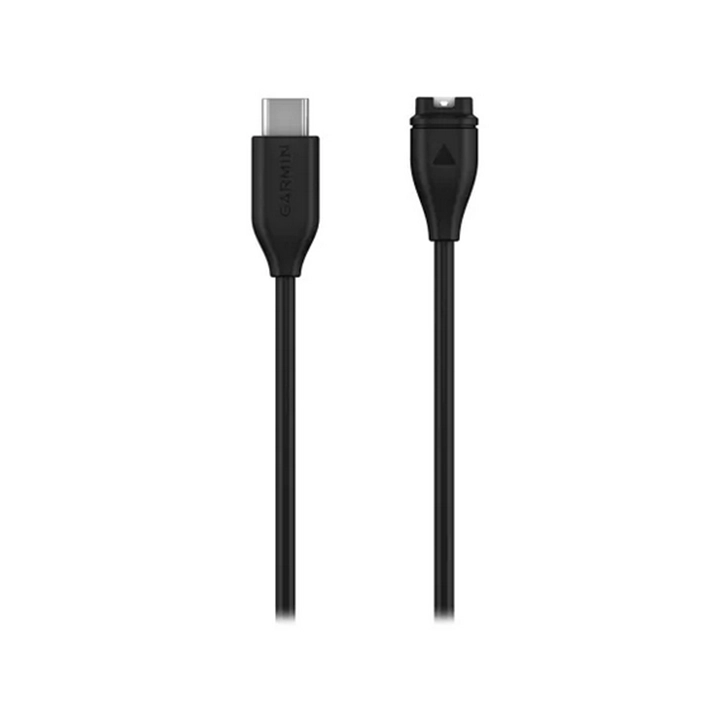
Description
Connect the cable to the USB-A port on your compatible device to charge it and transfer data to your computer.
Note: When a car product is connected to a computer via a USB cable, the product may display a message stating that the connected cable is unable to charge the device. This message is normal. Although the device receives sufficient power from the computer to remain switched on and function, it does not receive enough to increase the battery level.
COMPATIBLE DEVICES
Alpha® 300 K
Alpha® 300i K
Alpha® LTE
Camper 1095
Camper 795
Camper 895
CamperCam 795
Alpha® T 20 K dog collar
Alpha® TT 25 K dog collar
Xero® C1 Pro Chronograph
Delta® SE
dēzl™ Headset 100
dēzl™ Headset 200
dēzl™ LGV1010
dēzl™ LGV610
dēzl™ LGV710
dēzl™ LGV810
dēzlCam™ LGV710
Edge® 1040
Edge® 1040 Solar
Edge® 540
Edge® 540 Solar
Edge® 840
Edge® 840 Solar
eTrex® SE
eTrex® Solar
Garmin DriveCam™ 76
Garmin DriveSmart™ 66
Garmin DriveSmart™ 76
Garmin DriveSmart™ 86
GPSMAP® 67
GPSMAP® 67i
inReach® Messenger
inReach® Mini 2
inReach® Mini 2 Marine Bundle
Tread® – Overland Edition
Tread® – SxS Edition
Tread® XL – Baja Chase Edition
Tread® XL – Baja Race Edition
Tread® XL – Overland Edition
Varia™ RCT715
zūmo® XT2
 ITA
ITA
 DEU
DEU
 FRA
FRA
 ESP
ESP